Setup
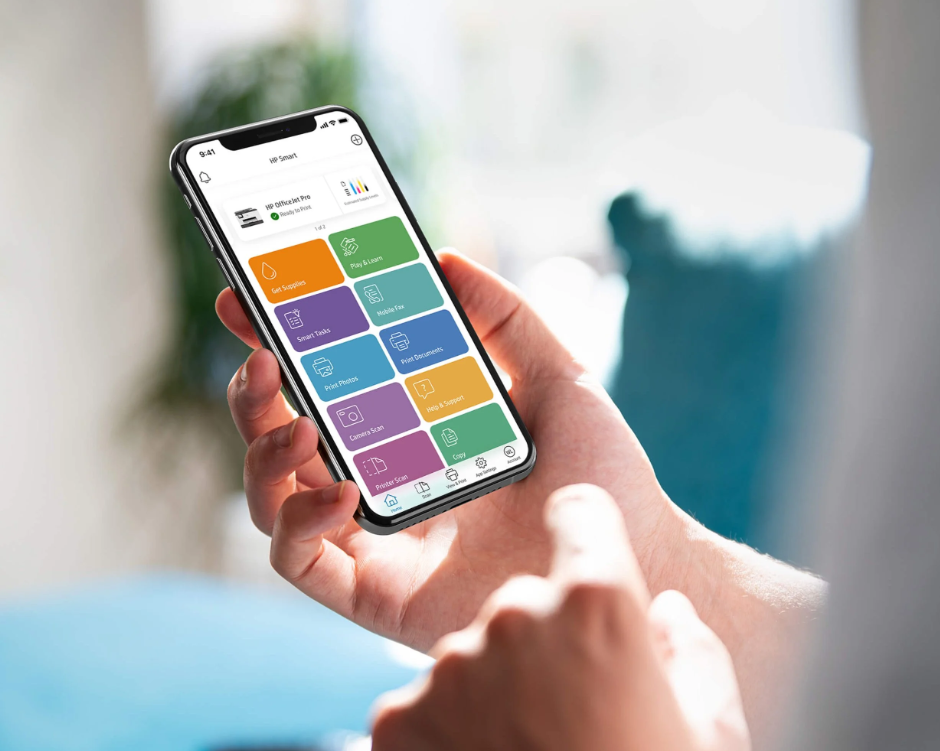
The printer can be used remotely through the "HP Smart" application that can be downloaded from the App Store or Play Store. Here are the links to download the application directly to your mobile device, laptop or smartphone.
Access the app download links here.
HP en App Store
La aplicación de referencia para tus dispositivos HP. Configura tu impresora nueva, personaliza tu experiencia, imprime, escanea y ponte en contacto con el sopo…


HP - Aplicaciones en Google Play
Configura, imprime y obtén soporte, desde el mismo lugar

HP Smart - Free download and install on Windows | Microsoft Store
Print, scan, and share files by using HP Smart with your HP Printer. HP Smart makes it easy to get started and keeps you going with features like Print Anywhere or Mobile Fax! NOTE: Disconnect from a Virtual Private Network (VPN) connection before downloading. · Start with a hassle-free set up, then print, scan, copy, and share files directly from your computer to your friends, co-workers, or a linked cloud account · Manage or print to your printer using any network connection · Order supplies, get support, and manage your HP account straight from the app · Create high-quality scans by importing existing files or scanning from your printer, and improve them by cropping the file, adding filters and text, or adjusting saturation, contrast, and brightness · It’s easy to send secure faxes from the app with Mobile Fax · Be more productive with customizable one-touch Shortcuts (formally Smart Tasks) · Access hundreds of printable crafts, cards, and learning activities for free with Printables! Get involved and get your family creating together! Some HP Smart features require a network connection and an HP account for full functionality. Certain features/software are available in English language only.
HP: Print and Support on the Mac App Store
The go-to app for your HP devices. Set up your new printer, personalize your experience, print and scan photos or documents, and contact support—all in one plac…

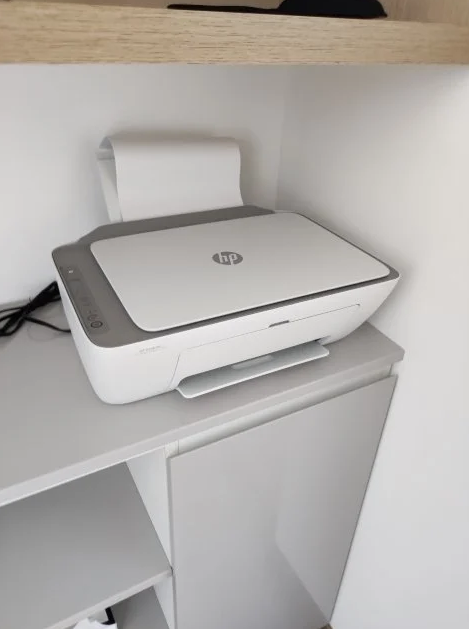
Wireless Printer
Our printer can also make copies. You can do this by placing a sheet under the main cover and selecting the type of copy you need. In Color or Black and White.
You can also find more ready-to-use sheets in the drawer below. Feel free to use what you need.
HP Smart App
As a recommendation, always remember to be connected to the Wi-Fi network so that the operation can be simple.