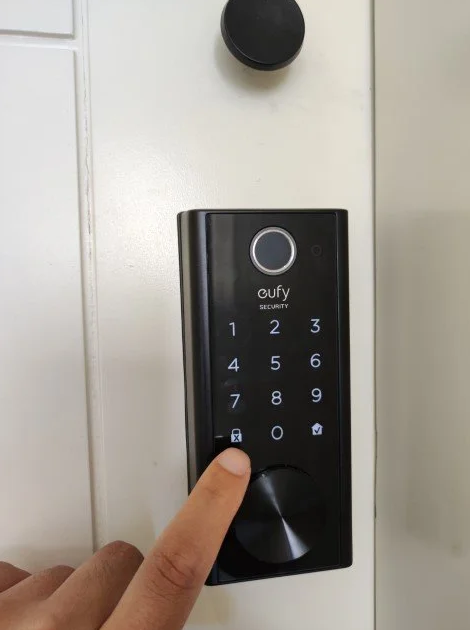
- This process will take only a few seconds.
- If you have any kind of difficulty, do not be shy to contact directly to the Host's phone number on a quick Whatsapp Message that was provided to you through the internal Airbnb chat. You can also find it at the beginning of this Guide.
- Remember that the door will notify you through a voice message (in English) if the door could not be closed properly, for which you will have to repeat the process.
Smart-Lock Login
With the aim of increasing security but also the practicality of use, the entrance to the apartment has a Smart Lock located on the front door that opens. with an access code given by the hosts.
Usage steps for OPEN
Step 1: Wake Up
Touch the front panel of the lock to activate. You will be able to notice it since the entire panel will light up, revealing the different numbers.
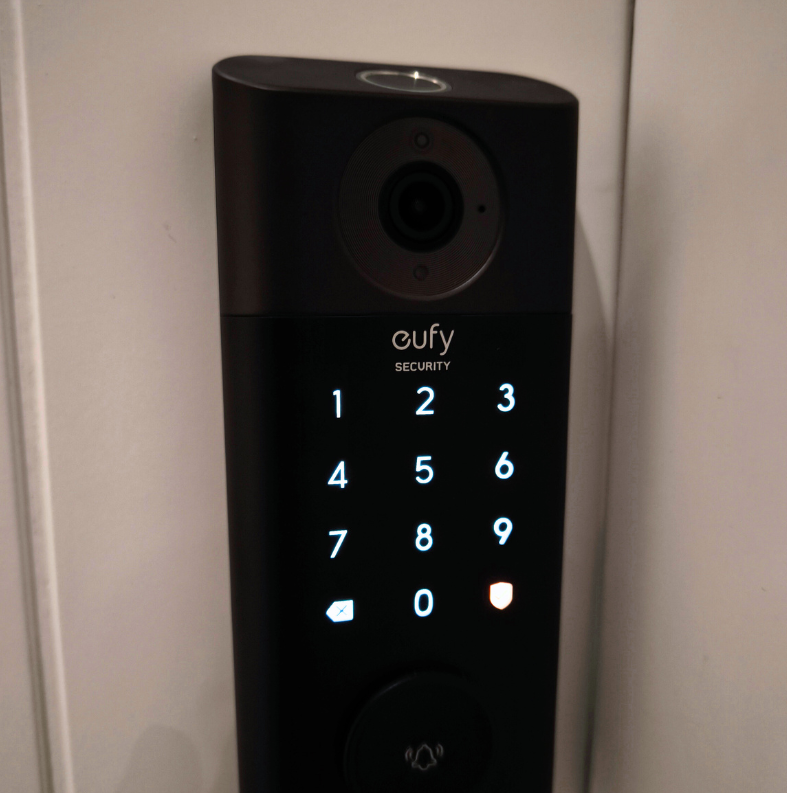
Step 2: Code
Enter the assigned code by marking the respective numerical combination on the panel. Once the code has been entered, press the button with the icon of a Check inside a House/Shield. It's in the bottom right of the panel.
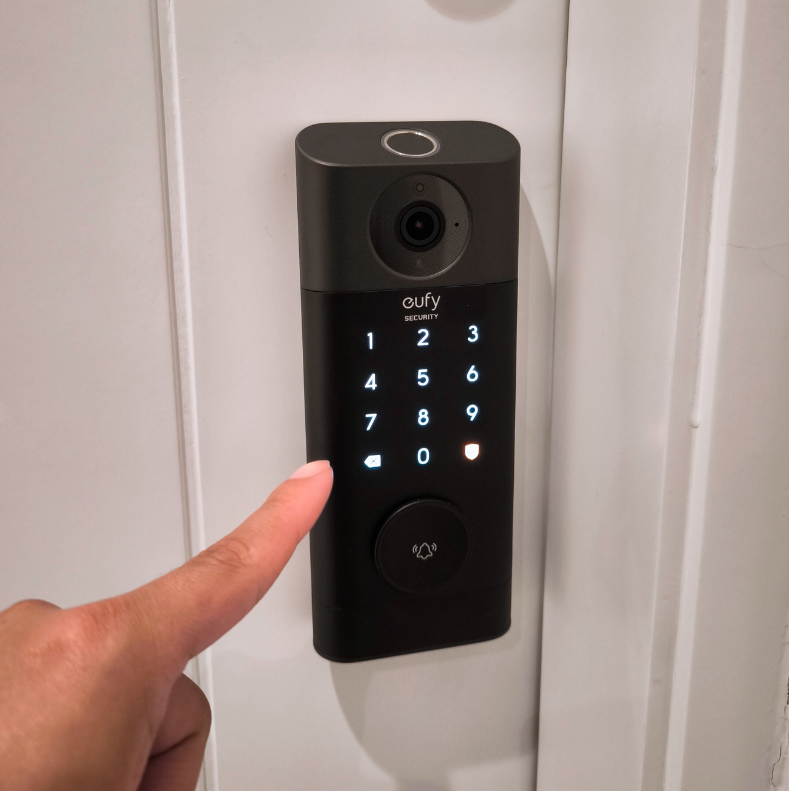
Step 3: Confirmation
Finally, you will hear a sound notification from the lock announcing that the door is now open.
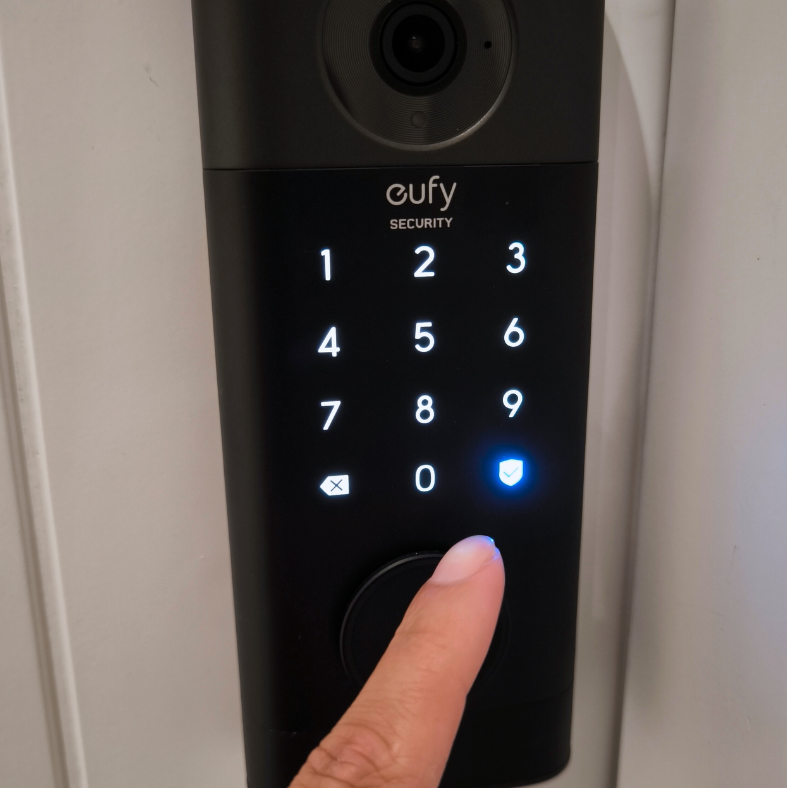
Video Tutorial: Opening 📽️
Usage steps for CLOSE
Step 1: Wake Up
Once outside, make sure the door is completely closed.
Touch the front panel of the lock to activate. You will be able to notice it since the entire panel will light up, revealing the different numbers.
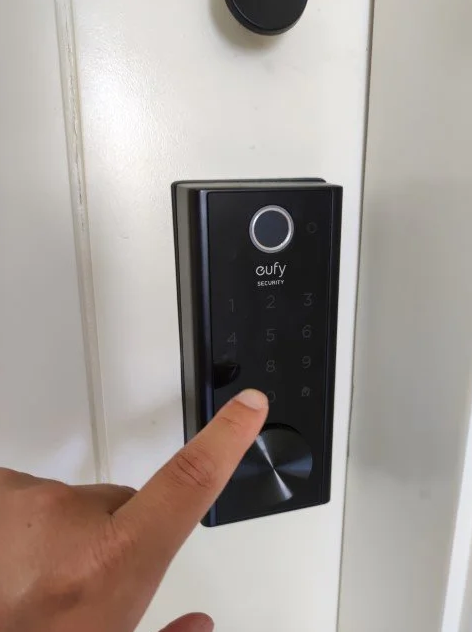
Step 2: Close
With the help of the latch, just press a few seconds the Padlock or X icon that you can see in the lower left part of the panel. When doing so, you will be able to hear a sound notification confirming the closed.